Follow the 2024 Google tutorial from campaign to purchase path
This setup walkthrough connects campaign types, asset groups, product presentation, and return targets. The interface shown belongs to 2024, while the broader process is to build a coherent account before adding more segmentation.
Understand the placement and destination
The examples contrast search, shopping, and video experiences. A shopping click should lead to a product page that matches the displayed product and price. Review the customer's path as well as the settings, since correct campaign creation alone does not produce a useful visit.
Keep asset groups organized around a reason
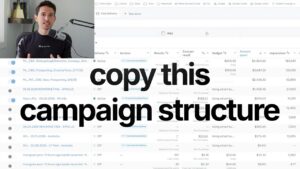
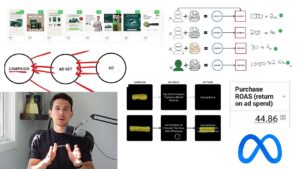
The recording favors grouping where possible and introduces separate promotional assets when a meaningful sale needs its own message. Avoid creating an entirely new campaign for every small creative difference. The account should remain understandable enough to review and maintain.
Connect budget and return targets
The tutorial distinguishes increasing spending from changing the efficiency requirement. These are different decisions with different effects. Use a business-specific target and change deliberately so the next review can explain what was attempted and how the account responded.
Build the next layer from results
Use the simpler system to gather evidence about products, messages, and search demand. Expand when more control serves a clear purpose. The goal is a functioning purchase process and useful learning rather than copying every campaign option available in the interface.