Build a lookalike test from a clearly defined customer source
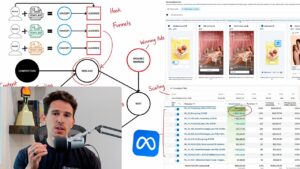
This tutorial demonstrates lookalike creation from purchase and email audiences in the 2024 interface. The important decisions are the source population, location, and how the resulting test fits beside the account's existing acquisition work.
Choose the source for the question
The walkthrough starts from customers and also shows an email-list source. Define what makes that group useful, such as recent purchasers or repeat buyers. A source list with a clear meaning is easier to evaluate than a mixed collection of everyone who has interacted with the brand.
Understand the size setting
The example creates several lookalike ranges and begins with a smaller percentage. That percentage describes the size of the selected population in the chosen location; it is not a guaranteed similarity score or a promise that the audience will buy.
Name the test so the result is readable
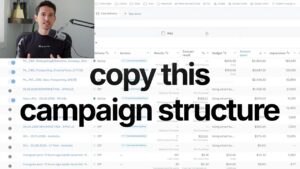
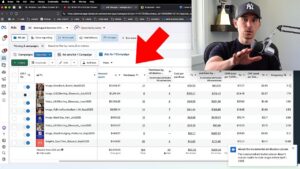
The demonstrated names identify the source and lookalike range. Keep that information in the account so later reviews can compare like with like. Avoid launching many nearly identical versions without enough spending or a plan to determine which comparison matters.
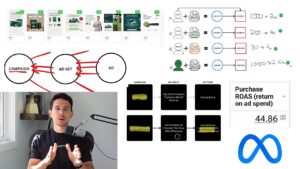
Evaluate against the rest of acquisition
Use the account's actual purchase and spending evidence to decide whether the audience adds value. A plausible customer source does not establish a winning target on its own. Continue comparing the test with broader delivery and the business return required for scaling.