The production workflow behind AI video ad variations
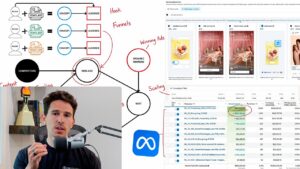
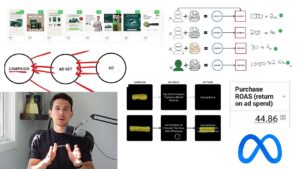
This demonstration connects script development, voice production, generated visuals, and campaign testing. The transferable process is to create a coherent ad, inspect the output, and then build variations around a concept that earns useful results.
Build the script from product information
The walkthrough starts with example scripts and product details to shape a draft. Give the writing process a clear product, audience, and message. Check every resulting claim against what the product actually does before moving into voice and video production.
Match the voice to the intended delivery
The video demonstrates turning a script into spoken delivery and selecting an actor style. Review pace, pronunciation, and how natural the message sounds. A generated voice still needs editing when it rushes a benefit or makes the ad difficult to follow.
Review the complete visual sequence
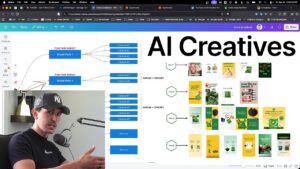
The demonstration explores both presenter footage and generated scenes. Build assets you can use accurately for the product and inspect the joins between shots. Keep the visuals consistent with the script instead of relying on the novelty of generation alone.
Launch variations as a clear test
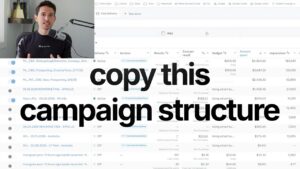
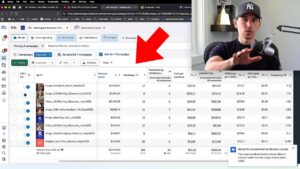
The campaign section puts new variations into a separately named pack. Use an existing winner to guide what changes next and identify the iteration in the name. Faster production becomes valuable when the resulting ads generate evidence for the next creative decision.