Build AI image variations from a clear creative brief
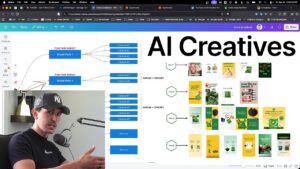
This demonstration uses Gemini and Nano Banana Pro to develop static ad variations. The workflow starts with useful creative evidence, then adds product assets, a template, and an explicit change to test.
Start with a reason for the variation
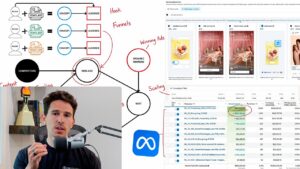
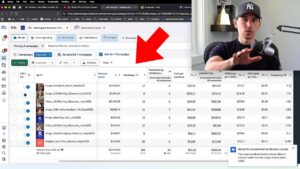
The video first reviews ads by spend and the attribution comparison shown in Ads Manager. Select an idea that has demonstrated useful performance. A winning concept gives the next image a purpose beyond simply generating another attractive asset.
Separate the template from the product asset
Provide the reference layout and the product or model photography you want to use. Describe what should stay and what should change. That makes the brief easier to follow than asking for a completely new ad with little brand or product context.
Use plain instructions and inspect the result
The examples change products, text treatments, and poses through specific prompts. Review whether the output preserves the intended product and message. Treat generation as a creative draft rather than assuming every image is accurate and ready to spend behind.
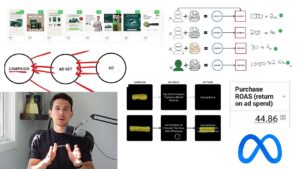
Bring the result back into the flywheel
Use your own winners and outside creative research as separate sources of inspiration. Launch the new variations, analyze the results, and brief the next round. The useful outcome is a repeatable testing process, not a large folder of assets that never get evaluated.